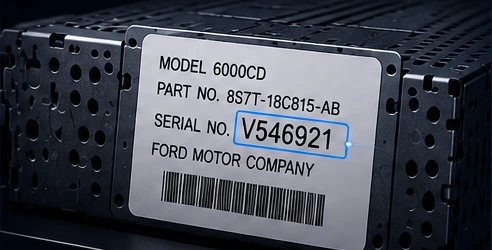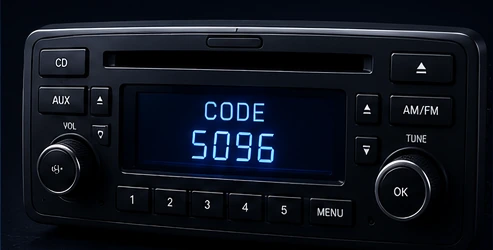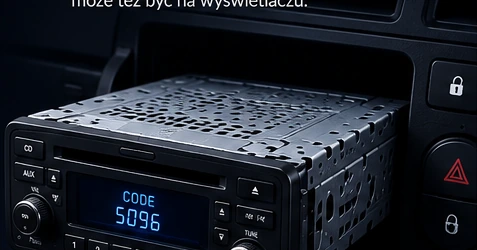
Find the label
The label is usually on the radio casing. The number may also appear on the display.
We could not find this in the catalog. Paste the number or add a label photo — we will try to identify the radio.
Identify my radio →Radio code calculator
Not sure which number on the label you need? No problem. Paste everything or take a photo — we will find the right number and check whether we can generate the code automatically.
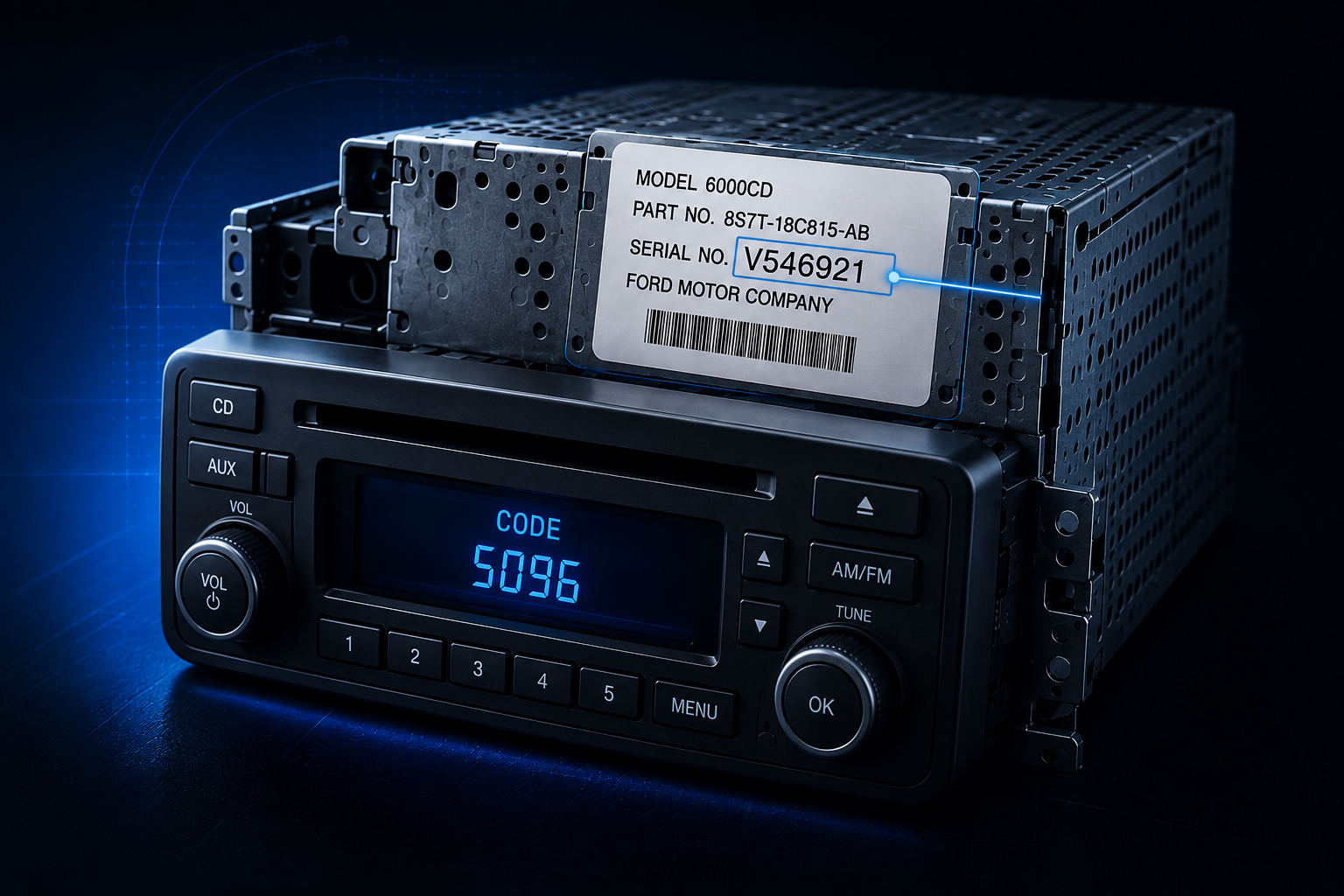
You do not need to know which number to look for. Paste everything — we will find the right one.
The label is usually on the radio casing. The number may also appear on the display.
Enter the number alone or the entire label text — we will find the right number.
If we support your radio, you will receive the code automatically.
WHAT WE DO
We are more than a single code calculator. We identify the radio and guide you to the right recovery method.
Recover codes from serial numbers, precodes and other identifiers found on the label or display.
A label photo can reveal the manufacturer, model and identifiers needed to choose the right service.
We also support families that require memory-dump analysis for codes, radio data, VIN or supported service operations.
Paste a number, label text or add a photo. We will try to identify the radio and point you in the right direction.
Identify my radioREADY ONLINE SERVICES
Choose your radio and recover the code online.
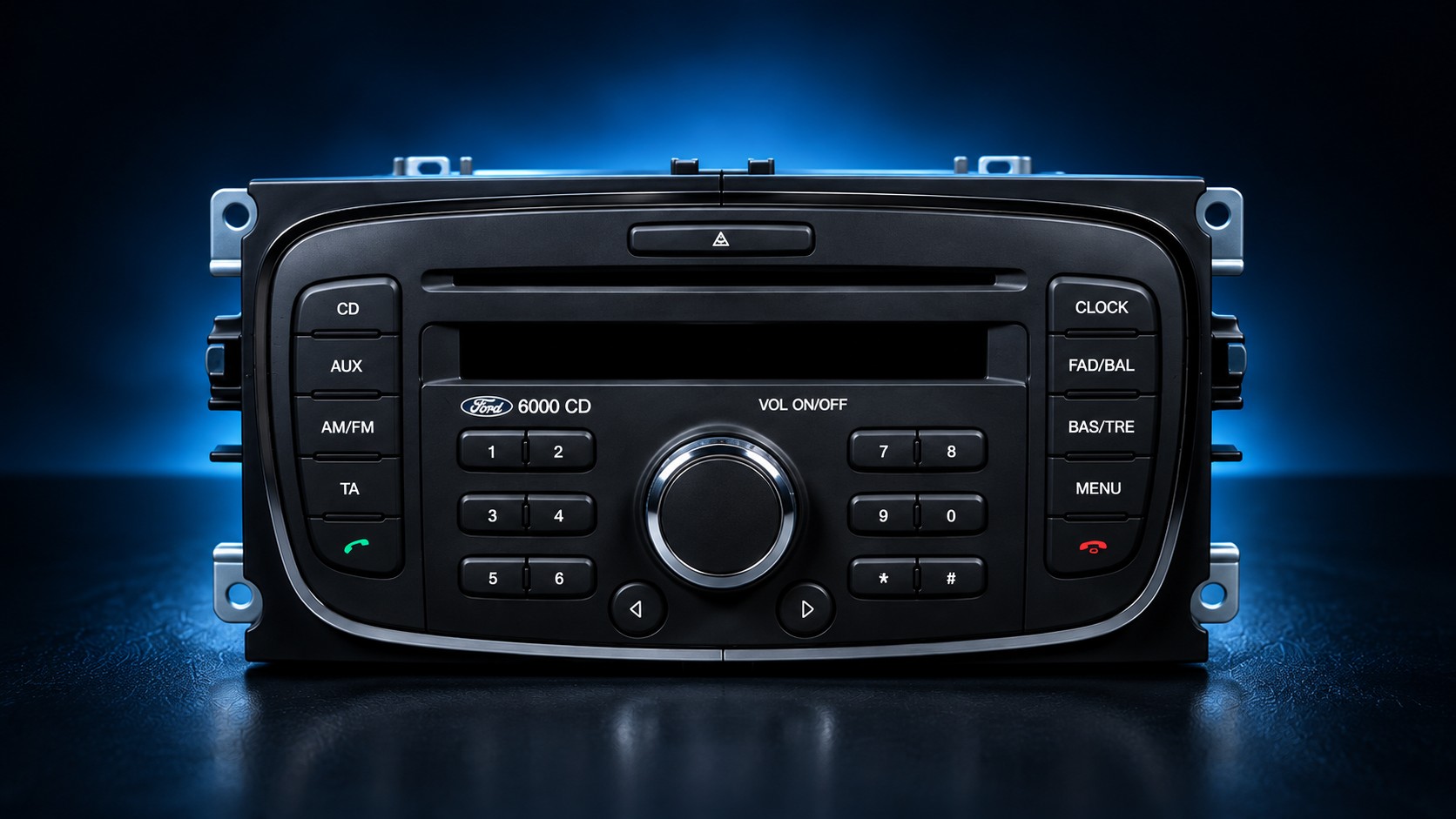 ONLINE
Enter a number beginning with V or add a photo of the label.
ONLINE
Enter a number beginning with M or add a photo of the label.
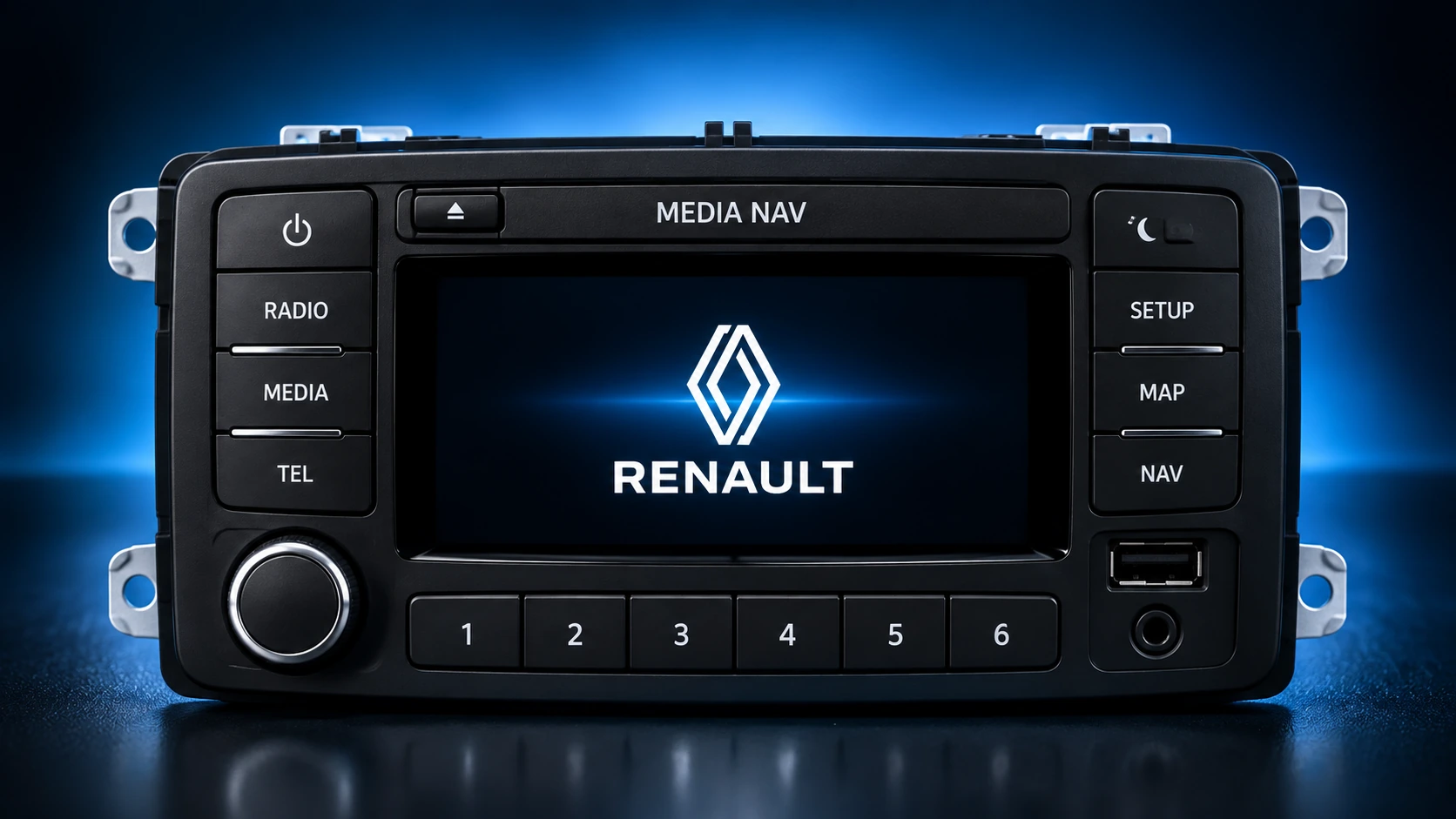 ONLINE
Enter SECURITY/PRECODE, paste the complete label data or add a photo. You do not need to guess which number is correct.
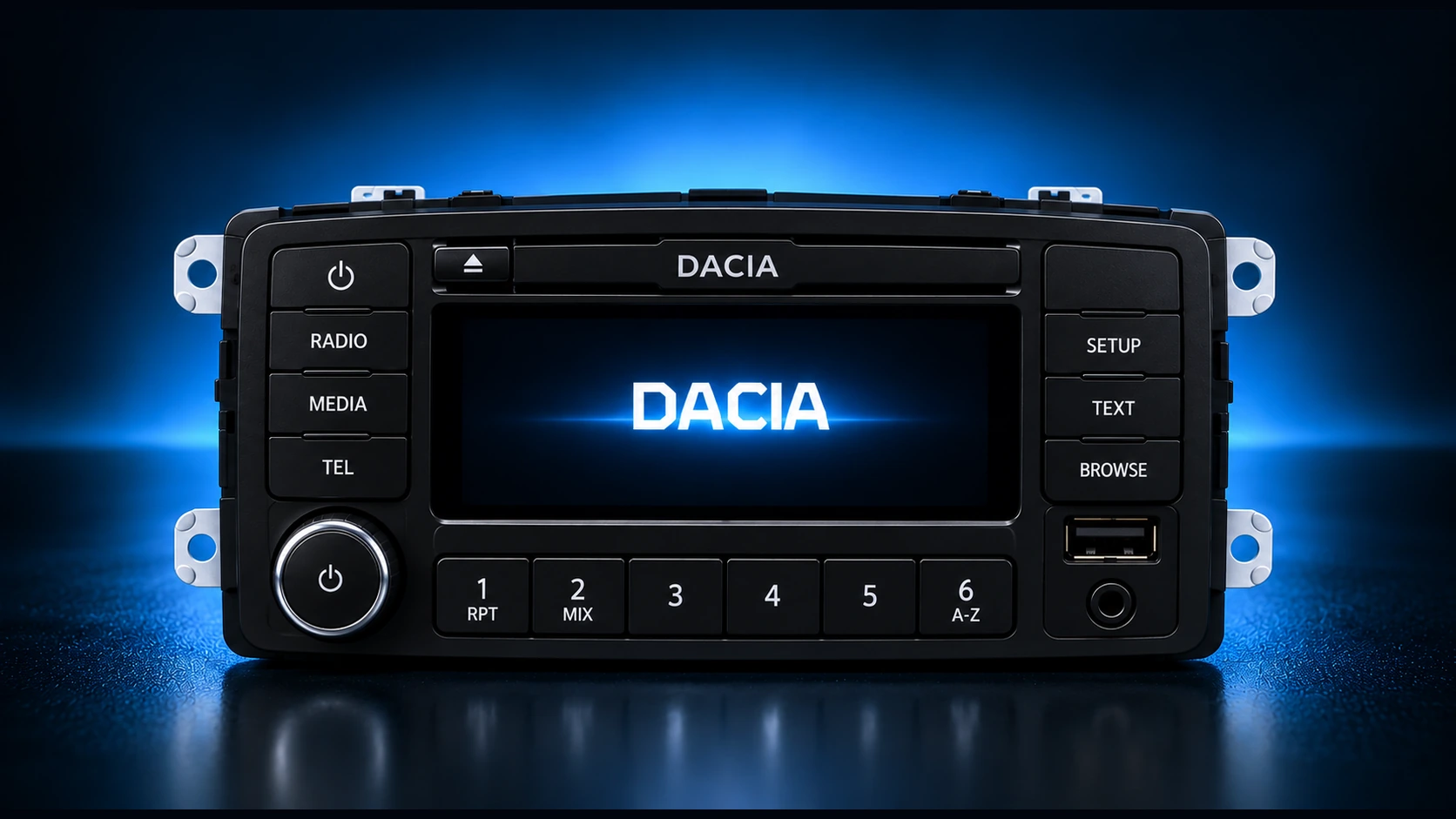 ONLINE
Enter SECURITY/PRECODE, paste the complete label data or add a photo. You do not need to guess which number is correct.
radia.it.pl DATABASE
We connect cars, radio manufacturers, models, variants and identifiers. These numbers come directly from our catalog and grow with it.